Prestashop Automatic...
With our module generator you can automate the writing of thousands of search engine optimized...

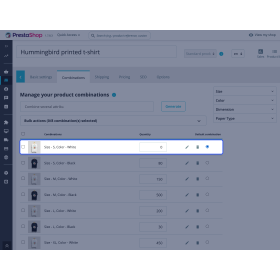
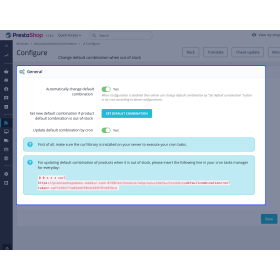
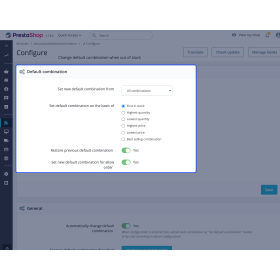
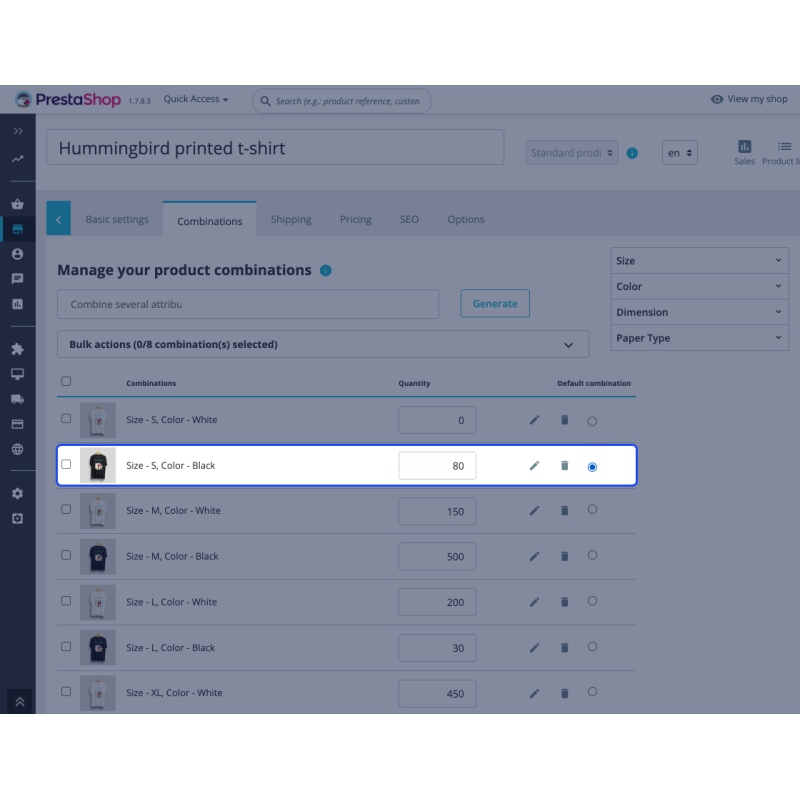
Prestashop Change Default Combination When Out of Stock: This module facilitates you to automatically change the default product combination if the quantity of current default goes to zero. By default, Prestashop displays the default product combination upon page load. With this module , you can set a new default product combination when the current default combination gets out of stock. Also, the module automatically restores the previous default combination as current default once it is back in stock.
Prestashop Hide or Disable Attributes With Stock - Suppose a customer is browsing your store and find a product. He navigates through the product page and the first thing he sees that the combination(default) is out of stock. It may create a wrong impression of your store and drive customers to do their shopping from another store. Showing out of stock product combinations can lead to unsatisfied customers and cost you business.
Thanks to Prestashop Change Default Combination When Out of Stock, you now have the option not to display the unavailable product combinations. With this extension, you can manage the inventory your customers see first - you can change the default product combinations once they are out of stock.
Multi Shop Compatible
The module supports the PrestaShop Multi Shop functionality.
Automatically Change Default Combination
Automatically changes the default product combination when the current default gets out of stock.
Restore Previous Default Combination
Automatically/Manually restore the previous default combination as the current default combination once it is back in stock.
Set New Default Combination
Set combination with highest/lowest quantity, most expensive/least expensive combination as a new default combination.
Update The Default Combination By CRON
Prestashop Change Default Combination When Out of Stock Features -
The module is multi-shop compatible.
Option given to set a new default combination from “all combinations” or “similar combinations”.
Option to set a combination with the highest or lowest quantity as a new default product combination.
Set the most expensive or least expensive combination as a new default product combination.
Set best selling combination as a new default product combination when the current default combination gets out of stock.
Restore the previous default combination as default combination when it gets back in stock.
Change the default combination of a product even if "allow orders" is enabled.
Choose to automatically update default combination when it goes out of stock or not.
Admin can choose to update the default combination by cron.
With our module generator you can automate the writing of thousands of search engine optimized...
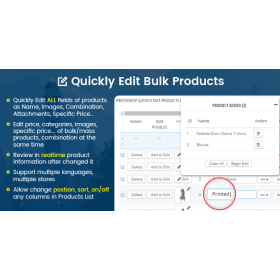
Prestahop Module for mass / bulk editing of products and combinationsChange at once all of...
This module allows you to disable and Enable a product by countries. A easy to use module to...
Great module to Add Extra Description Fields and banners in your category page. Banner extra...
The Cart Related Products module is great to show your customers which products would go great...
 Sale
Sale 
An easy to use module to disable show specific category for specific languages in store front....

Our multistore currency converter will help you resolve issues with getting prices wrong in...

Magic Zoom Plus zooms AND enlarges images & includes product videos too. Hover to see a...

This module automatically disable a product when the stock is at 0, and automatically enable...

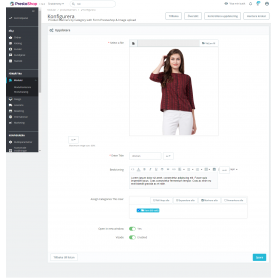
Display responsive Product banners product page by category see banners in products when click...
Prestashop Change Default Combination When Out of Stock: This module facilitates you to automatically change the default product combination if the quantity of current default goes to zero. By default, Prestashop displays the default product combination upon page load. With this module , you can set a new default product combination when the current default combination gets out of stock. Also, the module automatically restores the previous default combination as current default once it is back in stock.