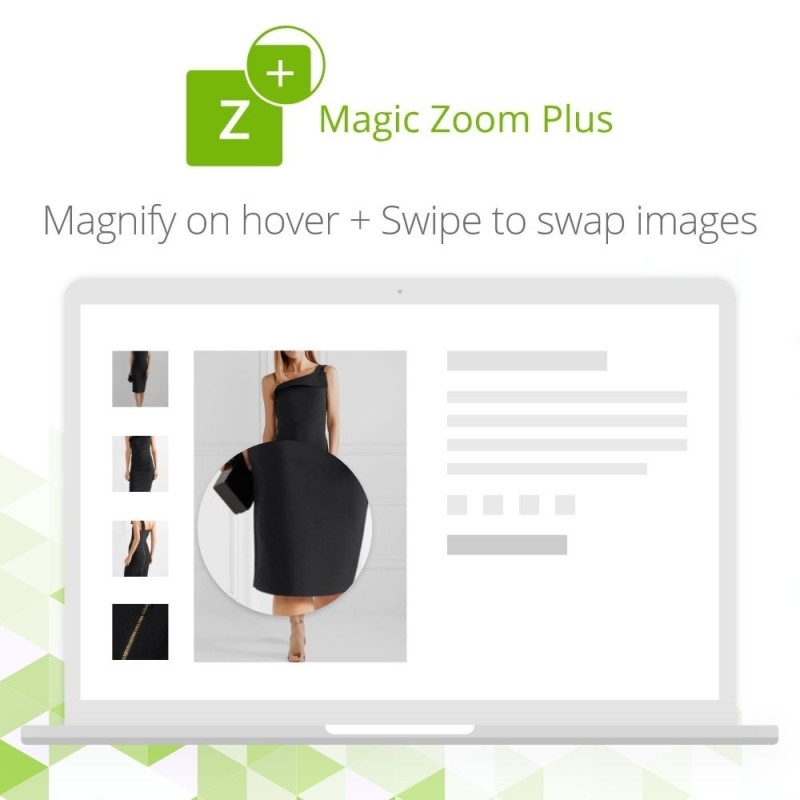

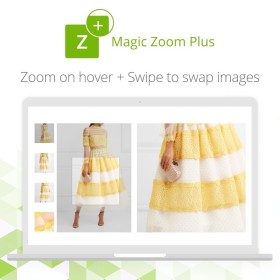
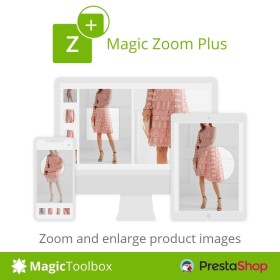
Magic Zoom Plus zooms AND enlarges images & includes product videos too. Hover to see a gorgeous zoomed image to the side; click to enlarge it and fill the screen. Switch between product images & product videos effortlessly.
Gives peace of mind knowing customers can view all of your products in clear, crisp detail.
Provides choice of zoom: magnify, zoom, preview, enlarge, deep zoom.
Include YouTube & Vimeo product videos in your product image gallery.
Allows you to install in seconds; customize in minutes thanks to the Magic Zoom Plus Settings page.
Whether you have 10 or 30,000+ products, it's vital you show your customers what you're selling.
Thanks to Magic Zoom Plus, customers can zoom product images with precision & style.
Feature
For a one-off payment you'll receive amazing features:
Study images close-up with a round magnifying glass, zoom or preview effect.
Convey large amounts of information with YouTube & Vimeo product videos.
Swipe images left/right to quickly browse images on touchscreens.
Control the magnifier dimensions by spinning the mousewheel.
Fast image previews at a specified size - perfect for a quick look on category pages.
Enlarged images have been completely redesigned to complement full-screen view.
Immersive new full-screen shows even bigger images and thumbnails to skip images.
Show stunning hi-res images on retina screens.
Refine the experience by choosing separate settings for mobile devices.
Improved responsive design to naturally fit your page better than ever.
Every detail of Magic Zoom Plus has been refined, culminating in an entirely enhanced user experience.
Faster loading and image rendering give the best performance yet.
Style it to suit your site with fully customizable Magic Zoom Plus Settings page.
Enable Magic Zoom Plus throughout your store: Product details page; Category page; Search page; Featured products; Viewed products block; Manufacturers page + 8 other sections.
Pinch-to-zoom mobile gestures supported to open/exit fullscreen and to zoom in/out of the fullscreen image.
Selected thumbnail highlighted using an underline.
Fullscreen thumbnails can be positioned to the left by adding expand-thumbnails-left in the 'Extra CSS' option.
Quit fullscreen view with the browser back button.
Make it a breeze for consumers to view your products, add previous/next arrows to any main gallery image using mz-show-arrows in the 'Extra CSS' setting.
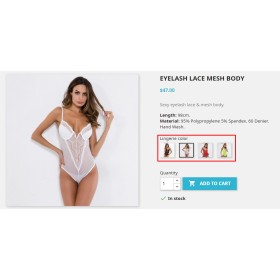
This module allow image of every combination as textures, this module can save you a lot of...
This module will help you keep your store nice and clean. Fix bugs, improve performance, make...
 Sale
Sale  Sale
Sale Intercom.io customer communication platform with a suite of integrated products for every team...
This module allows you to Disable and Enable a product by language . A easy to use module to...

Duplicate products feature value remove and backoffice product loading error fixed .


Prestashop Change Default Combination When Out of Stock: This module facilitates you to...
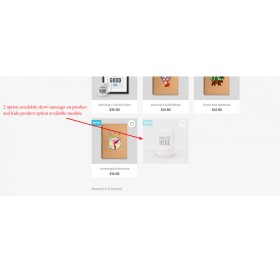
This module allows you to disable and Enable a product by countries. A easy to use module to...
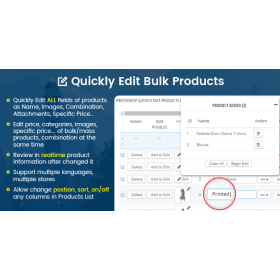
Prestahop Module for mass / bulk editing of products and combinationsChange at once all of...
This module which allows customers to download product data. Either a button on each product...

Our multistore currency converter will help you resolve issues with getting prices wrong in...
 Nuovo
Nuovo 
An easy to use module to disable show specific category for specific languages in store front....
Magic Zoom Plus zooms AND enlarges images & includes product videos too. Hover to see a gorgeous zoomed image to the side; click to enlarge it and fill the screen. Switch between product images & product videos effortlessly.